Why Didn't I See a Plan Selection Screen When I Installed Customix?
If you told us your monthly budget is Free only during setup, Customix skips the plan selection screen and takes you straight to building your first option set. There's nothing to compare plans for if you're staying on the Free plan, so we don't show you one.
This only comes up the first time you install Customix. Right after installing, you'll see a short setup survey titled Tell us about your store, asking whether you need a print-ready file for your orders, which features you need, and How much would you pay per month? — with options from Free only up to $30+/month.
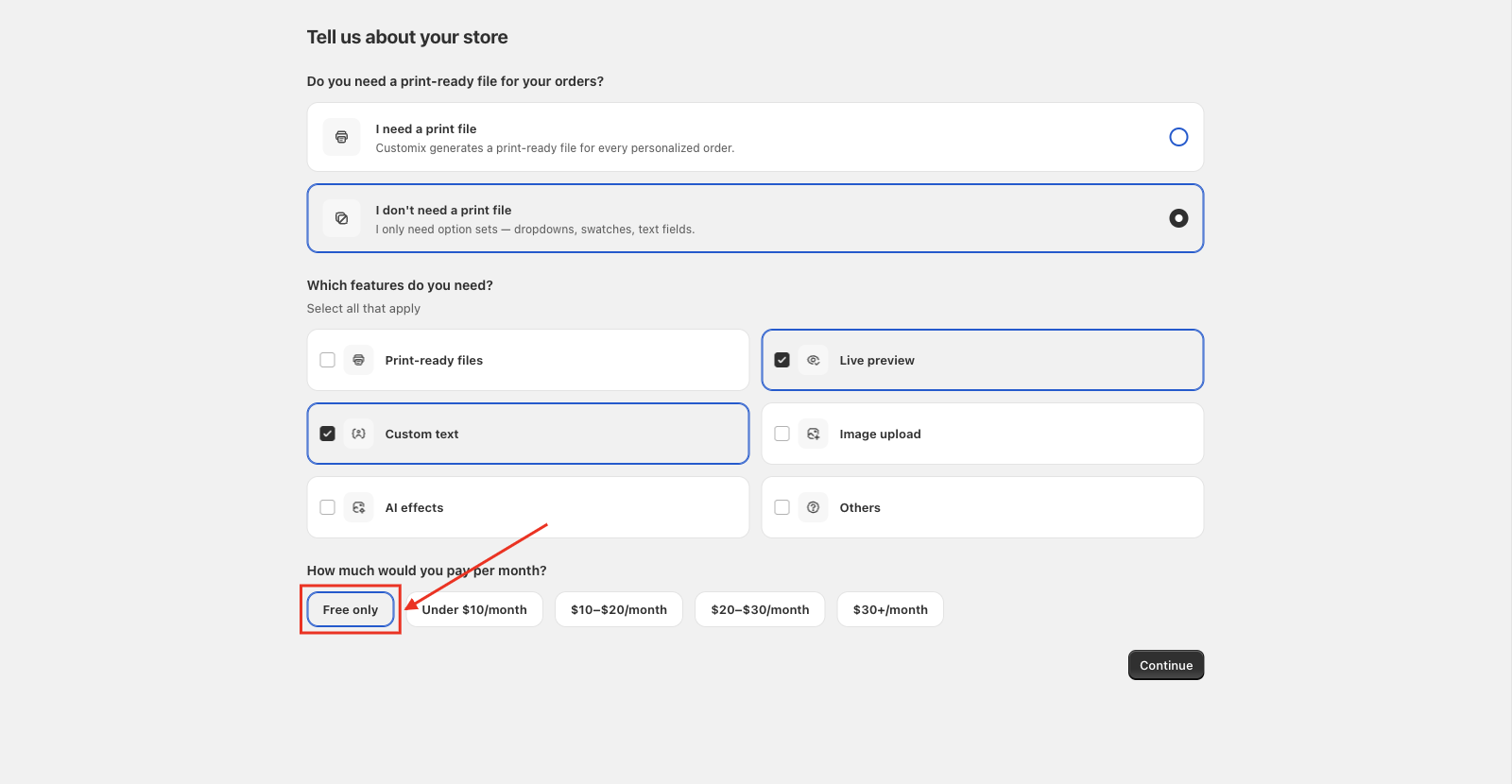
If you pick Free only and click Continue, Customix skips the plan selection step entirely and brings you directly to Let's get you started, where you create your first option set from scratch or from a ready-made template.
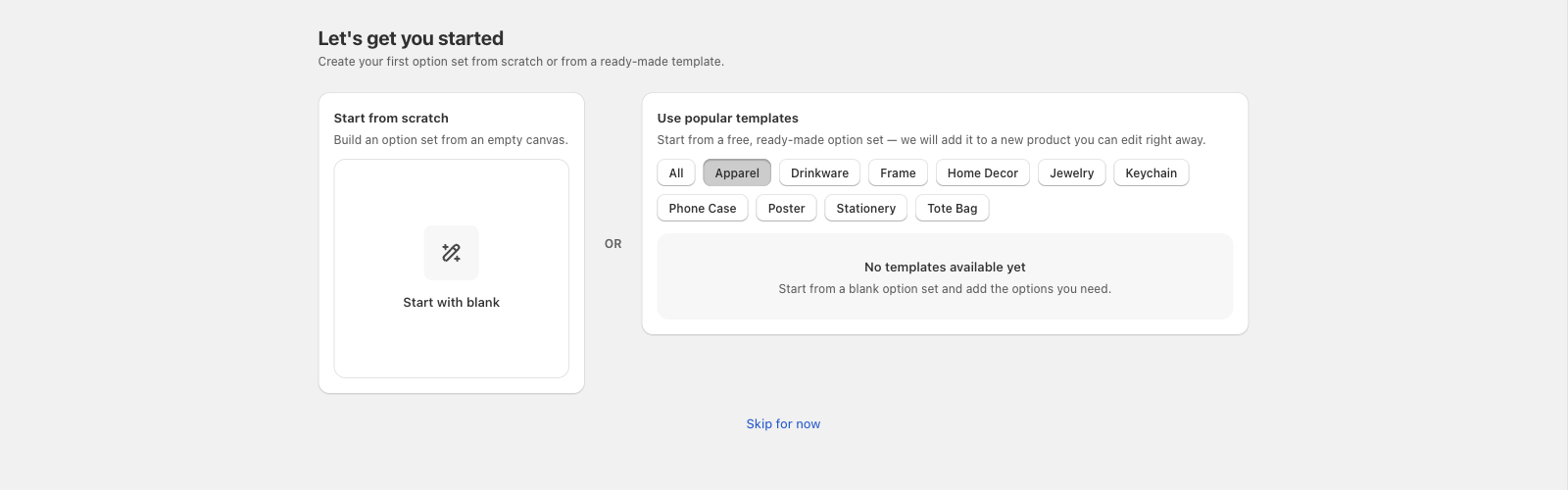
Any other budget answer still shows the plan selection screen as usual, so you can start a free trial on a paid plan or continue on Free from there.
📌 This setup survey only appears once, the first time your store installs Customix. If you want to explore paid plans later, you can do that any time from Settings > Plan — answering Free only here doesn't lock you out of upgrading.
Updated on: 14/10/2026
Thank you!